


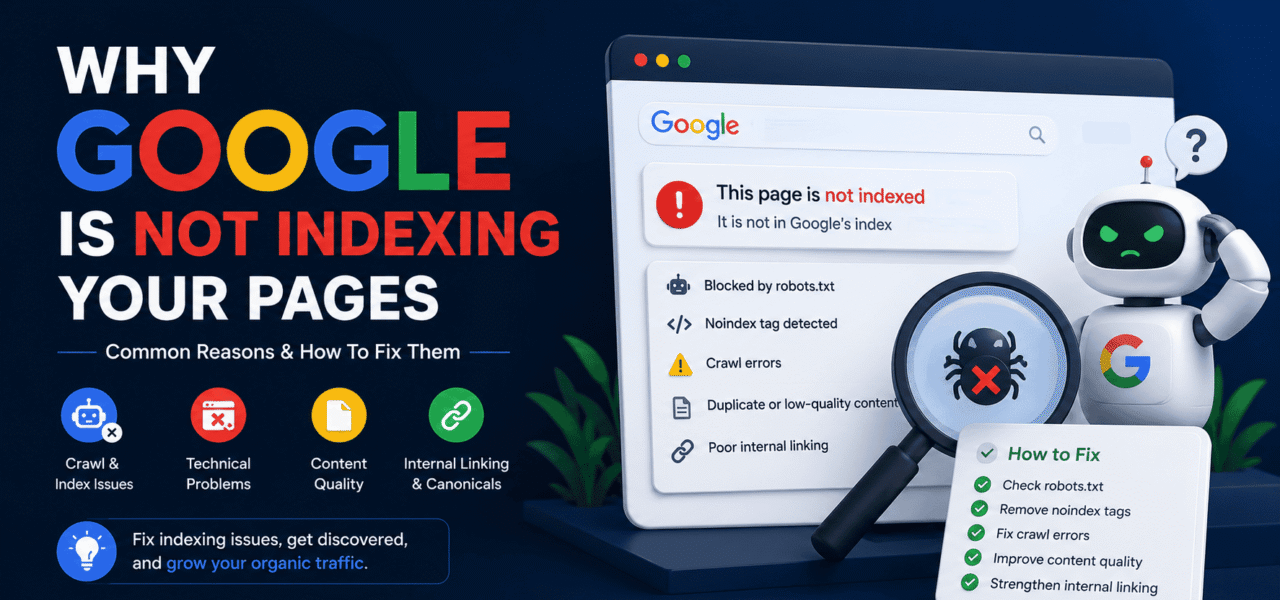
Your pages are live, but Google still ignores them? Learn why pages fail to get indexed and how to fix technical SEO issues that block visibility and organic traffic.
What Does “Not Indexed” Mean?
When a page is not indexed, it means Google knows the URL exists — or sometimes doesn’t even know it exists — but has decided not to include it in search results.
In simple terms:
- No indexing = no rankings
- No rankings = no organic traffic
You can publish the best content in the world, but if Google does not index it, users will never find it through search.
Why Google Is Not Indexing Your Pages
Indexing problems usually happen because Google sees technical issues, low value, or weak signals on your website.
Here are the most common reasons.
1. Your Page Is Blocked by Robots.txt
The robots.txt file tells search engines which pages they can or cannot crawl.
Sometimes websites accidentally block important pages like:
- Blog posts
- Product pages
- Category pages
- Landing pages
Example of a blocking rule:
Disallow: /That single line can stop Google from crawling your entire website.
How To Fix It
- Review your robots.txt file carefully
- Remove unnecessary blocking rules
- Test URLs inside Google Search Console
2. The Page Has a “Noindex” Tag
A noindex meta tag explicitly tells Google not to index a page.
Developers often add this during staging or testing and forget to remove it after launch.
Example:
<meta name="robots" content="noindex">How To Fix It
Remove the noindex directive from pages you want Google to rank.
3. Your Content Looks Thin or Low Quality
Google does not index every page automatically. If the content feels weak, duplicated, or unhelpful, Google may simply ignore it.
Common examples:
- Short AI-generated pages with no value
- Empty category pages
- Duplicate articles
- Auto-generated content
- Pages with almost no original information
How To Fix It
Create content that solves a real problem.
Instead of writing generic articles, add:
- Real examples
- Unique insights
- Screenshots
- Case studies
- Practical steps
- Expert opinions
Helpful content gets indexed faster.
4. Your Website Has Crawl Budget Problems
Large websites often waste crawl budget on useless URLs.
Examples:
- Filter pages
- Parameter URLs
- Session IDs
- Duplicate archives
When Google spends too much time crawling low-value pages, important pages may stay unindexed.
How To Fix It
- Remove unnecessary URLs
- Use canonical tags
- Improve internal linking
- Block useless parameter pages
5. The Page Has No Internal Links
Google discovers pages through links.
If no page links to your content, Google may struggle to find it.
These are called orphan pages.
How To Fix It
Link new pages from:
- Navigation menus
- Related blog posts
- Category pages
- Homepage sections
Strong internal linking improves crawlability and indexing.
6. Google Thinks Another Page Is More Important
Sometimes Google indexes a different version of the page instead of the one you want.
This often happens because of:
- Duplicate content
- Canonical mistakes
- Similar articles targeting the same keyword
How To Fix It
- Use proper canonical tags
- Consolidate similar pages
- Avoid keyword cannibalization
- Make page intent clearer
7. Your Website Is Too Slow
A slow website can reduce crawl efficiency.
If pages take too long to load, Google may crawl fewer URLs.
How To Fix It
Improve:
- Server response time
- Image optimization
- Caching
- JavaScript performance
Fast websites are easier for Google to crawl and index.
8. The Page Is New
Sometimes there is nothing technically wrong.
Google simply has not crawled the page yet.
This is common with:
- New websites
- Fresh blog posts
- Low-authority domains
How To Fix It
- Submit the URL in Google Search Console
- Build internal links
- Share the page externally
- Update your sitemap
Patience matters, especially for new websites.
How To Check If a Page Is Indexed
Method 1: Google Search Operator
Search this in Google:
site:yourdomain.com/page-urlIf the page appears in search results, it is indexed.
If nothing shows up, Google probably has not indexed the page yet.
Method 2: Check Inside Google Search Console
Google Search Console gives you the most accurate indexing status directly from Google.
Here is how to check if a URL is indexed:
- Open Google Search Console
- Paste the page URL into the top search bar
- Wait for the URL Inspection report
- Look for the indexing status
You may see messages like:
- “URL is on Google” → The page is indexed
- “URL is not on Google” → The page is not indexed
- “Crawled – currently not indexed” → Google visited the page but chose not to index it yet
You can also click Request Indexing to ask Google to crawl the page again after making changes.
Method 3: Use an SEO Audit Tool
Manually checking hundreds of pages is slow and frustrating.
If you want to automatically detect indexing problems, duplicate pages, crawl issues, missing meta tags, or technical SEO errors, you can use TechySEO.
After adding your website to the dashboard, the platform automatically scans your pages and helps you find:
- Non-indexed URLs
- Duplicate title tags
- Broken internal links
- Noindex pages
- Canonical issues
- Crawlability problems
- Weak SEO structure
This makes it much easier to monitor technical SEO issues without constantly digging through Search Console reports manually.
Signs Google Is Ignoring Your Content
Your page may have indexing problems if:
- It never appears in search results
- Search Console shows “Crawled – currently not indexed”
- Rankings suddenly disappear
- Organic traffic drops sharply
- New pages take weeks to appear
How To Get Pages Indexed Faster
Publish Better Content
Google indexes pages that provide clear value.
Avoid filler content and focus on solving specific problems.
Improve Internal Linking
Every important page should receive internal links from relevant pages.
Build Authority
Trusted websites get crawled more often.
Backlinks and strong topical authority help indexing speed.
Keep Updating Content
Fresh updates signal that the page is active and maintained.
The Hidden Truth About Indexing
Many website owners think indexing is automatic.
It is not.
Google constantly evaluates:
- Content quality
- Website trust
- Technical health
- User value
- Crawl efficiency
Indexing is earned, not guaranteed.
FAQ
Why is Google not indexing my pages?
Usually because of technical SEO issues, low-quality content, crawl problems, or missing internal links.
How long does Google take to index a page?
It can take anywhere from a few hours to several weeks depending on website authority and crawl frequency.
Does duplicate content affect indexing?
Yes. Duplicate or very similar pages can prevent proper indexing.
Can slow websites hurt indexing?
Yes. Poor performance can reduce crawl efficiency and indexing frequency.
What does “Crawled – currently not indexed” mean?
Google visited the page but decided not to include it in the index yet.
Should every page be indexed?
No. Some pages like admin areas, duplicate filters, or thin utility pages should stay excluded.
How do I request indexing manually?
Use the URL Inspection Tool in Google Search Console and click “Request Indexing.”
