


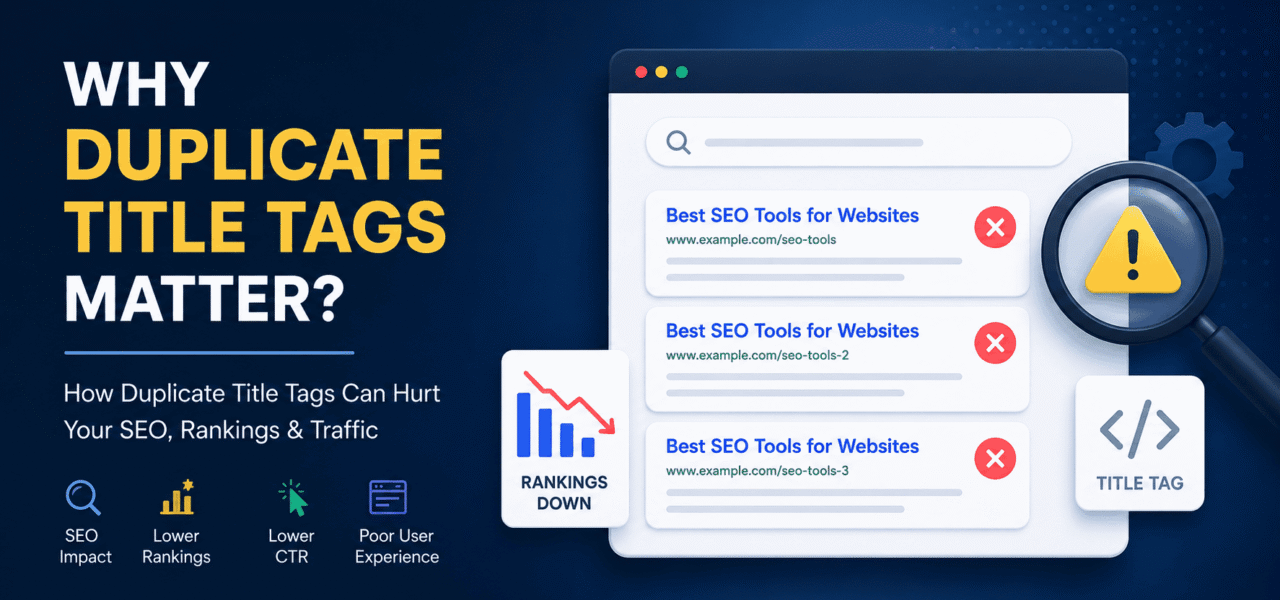
Duplicate title tags can quietly damage your SEO performance. Learn how unique page titles improve rankings, boost clicks, and help search engines understand your website better.
What Are Duplicate Title Tags?
A duplicate title tag happens when multiple pages on a website use the exact same HTML title. The title tag is the clickable headline users see in search engine results, browser tabs, and social shares.
For example:
- Page 1: “Best SEO Tools”
- Page 2: “Best SEO Tools”
When different pages share the same title, search engines struggle to understand which page is more relevant for a keyword or search intent.
Why Duplicate Title Tags Are Important
Duplicate titles may look like a small technical issue, but they can seriously affect SEO, user experience, and organic traffic.
They Confuse Search Engines
Search engines use title tags to understand page topics. When several pages use the same title, Google may struggle to determine:
- Which page should rank
- Which page is more relevant
- Whether the pages are low-quality or repetitive
This can weaken your overall SEO performance.
They Reduce Click-Through Rate (CTR)
Users scan titles quickly in search results. If titles are generic or duplicated, people cannot easily tell the difference between pages.
Unique and descriptive SEO titles improve visibility and encourage more clicks.
They Can Cause Keyword Cannibalization
Keyword cannibalization happens when multiple pages compete for the same keyword. Duplicate title tags often signal this problem.
Instead of one strong page ranking well, several weaker pages compete against each other.
They Hurt Website Structure
Clear title tags help both users and search engines navigate your website. Duplicate titles create a messy content structure and make internal organization less effective.
Google May Rewrite Your Titles
If Google sees repetitive or low-quality title tags, it may replace them with automatically generated titles in search results. This often leads to lower control over branding and messaging.
Common Causes of Duplicate Title Tags
Many websites create duplicate titles accidentally.
Pagination Issues
Blog archives, category pages, or product listings may generate repeated titles across multiple pages.
CMS Templates
Some content management systems automatically reuse default SEO titles if no custom title is added.
Thin or Similar Content
Pages with very similar content often end up with nearly identical titles.
URL Variations
Different URLs showing the same content can also create duplicate SEO titles.
Examples:
/product/product?ref=home/product/
How To Find Duplicate Title Tags
1. Use Google Search Console
Google Search Console reports duplicate title tag issues under indexing and page experience reports.
2. Crawl Your Website
SEO tools can scan your entire website and identify pages with duplicate metadata.
3. Review Search Results Manually
Search your website in Google using:
site:yourdomain.com
Then check whether multiple pages share the same SEO title.
4. Add Your Website to TechySEO
You can also register your website on TechySEO and let the platform automatically analyze your SEO structure.
If duplicate title tags exist on your website, you can easily find them inside your dashboard along with related SEO issues and optimization suggestions.
How To Fix Duplicate Title Tags
Create Unique SEO Titles
Every important page should have a unique title that clearly describes the content.
Good example:
- “Technical SEO Checklist for Ecommerce Websites”
Weak example:
- “SEO Guide”
Target Different Keywords
Assign a primary keyword and search intent to each page.
This prevents overlap and improves keyword targeting.
Improve Content Structure
Merge duplicate or thin pages when necessary. Stronger, more focused content performs better in search results.
Use Canonical Tags
If multiple URLs display similar content, canonical tags help search engines understand the preferred version.
Optimize Dynamic Templates
Update CMS or ecommerce templates so category, filter, and pagination pages generate unique title tags automatically.
Best Practices for SEO Title Tags
- Keep titles around 55–60 characters
- Place the primary keyword near the beginning
- Write naturally for humans first
- Make every title unique
- Match the page intent accurately
- Include a benefit or value proposition
Example:
“On-Page SEO Checklist – Improve Rankings Faster”
Signs Your Website Has Duplicate Title Problems
You may have duplicate title issues if:
- Several pages rank poorly for similar keywords
- Google indexes the wrong page
- CTR drops despite good rankings
- Search results show rewritten titles
- SEO audit tools report duplicate metadata
Why Unique Title Tags Improve SEO
Unique title tags help search engines understand your website more clearly. They also improve user trust, increase click-through rates, and strengthen topical relevance.
Even small title optimizations can lead to measurable SEO improvements over time.
FAQ
What is a duplicate title tag?
A duplicate title tag is when multiple pages on a website use the same SEO title.
Are duplicate title tags bad for SEO?
Yes. They can confuse search engines, reduce rankings, and hurt click-through rates.
How many title tags should be unique?
Every indexable page should ideally have a unique title tag.
Can duplicate titles cause keyword cannibalization?
Yes. Duplicate SEO titles often make multiple pages compete for the same keyword.
Does Google penalize duplicate title tags?
Google usually does not apply a direct penalty, but duplicate titles can negatively affect rankings and indexing.
What is the ideal title tag length?
Around 55–60 characters works best for most search results.
Can ecommerce websites have duplicate titles?
Yes. Ecommerce stores commonly create duplicate titles through filters, product variations, and category pages.
